
What Every Small Business Website Needs Before Launch
A website is ready when people can understand the offer, trust the business, and complete the next step, with the essentials working behind the scenes.
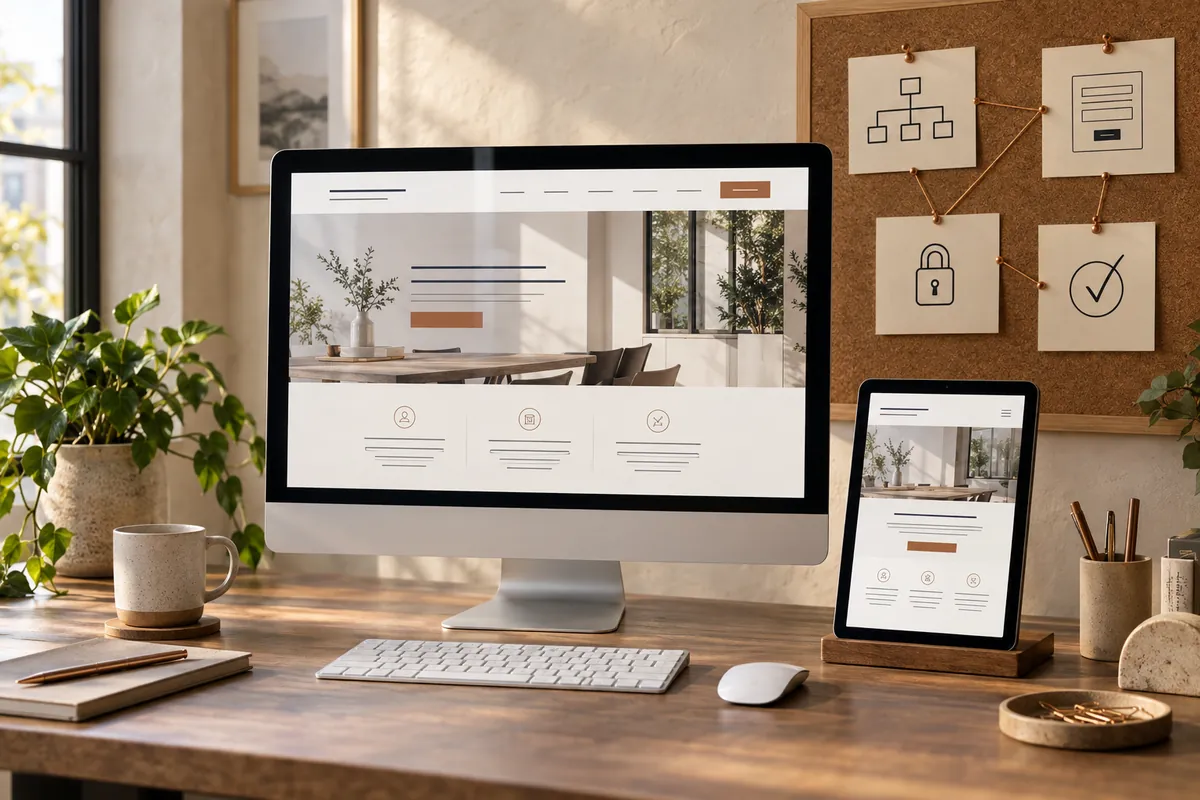
Before launch, a small business website needs a clear offer, complete core pages, working contact paths, usable mobile layouts, correct search settings, secure access, backups, and a maintenance owner. Test the customer journey on staging and again on the production domain after deployment. Check live forms, redirects, domain references, and indexing settings before signing off.
Make the offer and navigation easy to understand
One clarity check I recommend is asking someone unfamiliar with the business to open the homepage. Can they explain what you offer, who it is for, and what to do next? If they need a verbal introduction, improve the page before adding more decorative sections.
Use navigation labels that describe their destinations. Services, About, Work, Blog, and Contact are often easier to interpret than clever names that need explanation. A visitor should be able to reach the most relevant service without opening every menu.
Give each core page a distinct job. The homepage introduces the business, service pages explain the offer, the About page identifies the people behind it, and the contact page explains how to enquire. Include project evidence where you have permission and meaningful details to share.
Review the questions a service page should answer: scope, process, suitability, evidence, and the next step. A visually complete page can still leave a prospect unsure whether you solve their problem.
Replace placeholders with accurate, useful content
Search the site for draft text, demo business names, template testimonials, empty buttons, and stock contact details. Check the footer, confirmation messages, image captions, and social links as well as the obvious page body.
Keep your public identity consistent. Use the same business name and contact details where they refer to the same entity. If the founder uses more than one professional name, explain the relationship in the biography instead of presenting them as different people.
Publish claims only when you can support them. A case study should say what work was done and provide the context needed to interpret any results. Do not use stock people as if they were your staff or invented testimonials as design filler.
Include an accurate privacy notice that reflects the information you collect and the tools you use. Treat privacy and consent configuration as a review of your actual setup, rather than copying a policy from another website. Arrange appropriate specialist review where needed.
Test the complete enquiry journey
My priority is the customer journey: choose the action the website is meant to support and test it from start to finish. That might mean a contact form, appointment request, phone link, or purchase flow. Test from the pages where a real visitor would begin, not only from the form’s direct URL.
For forms, check required fields, error messages, confirmation text, and delivery to the intended inbox. Use an agreed test message and verify receipt with the owner. A thank-you message and a sent notification are separate parts of the process.
Ask only for information you need at that stage. Explain any important next steps, such as what happens after an enquiry and when the visitor should expect a reply. Avoid promising a response time the business cannot consistently meet.
Make forms usable with a keyboard and give fields visible, meaningful labels. W3C’s accessible forms guidance covers labels, instructions, validation, and feedback. These details help visitors complete a task without guessing what went wrong.
Check mobile layouts, images, and performance
I recommend reviewing every main template on a real phone, including sections below the first screen. Test the header menu, service dropdown, cards, breadcrumbs, article contents links, and footer. Look for duplicated icons, clipped headings, overlapping elements, and horizontal scrolling.
Use images at a size appropriate to their display area and preserve their proportions. Add descriptive alt text where an image communicates meaning, and leave purely decorative images appropriately marked as decorative. Avoid placing essential instructions only inside a graphic.
Check more than a single homepage speed score. A service page, article, and contact page may load different scripts and images. Google’s Web Vitals documentation distinguishes loading, responsiveness, and visual stability. Lab tests help diagnose problems; real-user measurements provide a different view once sufficient data exists.
Remove unnecessary animation and heavy embeds when they make a key task harder. Test again after optimization so that a faster page still has working forms, menus, and readable content. A launch review should assess performance and function together.
Verify the production SEO settings
Protect staging from unintended indexing while the website is being built. At launch, check the production site separately: it should not inherit accidental noindex settings, a blocking robots.txt rule, or password protection intended only for staging.
Confirm the preferred domain, HTTPS, canonical URLs, sitemap URLs, and internal links. Search for the staging hostname in page content and settings. Links, structured data, and media references should point to the intended production addresses after migration.
Give important pages clear titles and descriptions, and confirm that each has an understandable main heading. Use structured data that reflects the visible business and content. The technical SEO checklist provides a more detailed review of access, indexing, redirects, and page signals.
If this replaces an existing website, map valuable old URLs to relevant new destinations before launch. Test the redirects after deployment and update navigation to use the final URLs. Google’s site-move guidance is a useful reference when page addresses change.
Verify ownership in Search Console and submit the appropriate sitemap when ready. Discovery and indexing can take time. Launching successfully does not mean Google will immediately show every page or rank it for competitive searches.
Prepare ownership, backups, and a manageable handover
Make sure the business controls its domain, hosting, WordPress administrator access, and essential software accounts. Use individual accounts where appropriate and grant only the access each person needs. Record renewal responsibilities so that a license or domain does not lapse unnoticed.
Confirm that backups include both the database and site files, and understand how restoration works. A backup is useful only if the right person can recover the site when needed. Keep credentials in an appropriate password manager rather than in an ordinary shared document.
I recommend agreeing who handles software updates, content changes, security alerts, and failed enquiries before handover. Decide which changes should be tested on staging first. The handover should explain how to edit the blocks the owner is likely to use, including headings, images, links, and reusable sections.
Create a short launch record with the deployment date, responsible people, backup location, and outstanding tasks. My WordPress design and development service treats editing and maintenance as part of the website’s usefulness, alongside the visual design.
Use a launch-day and first-week checklist
Before deployment: approve the content, complete the enquiry tests, confirm backups, prepare redirects, and record production settings.
Immediately after deployment: open the live domain while logged out, test its main pages and forms, check HTTPS and redirects, and verify that the correct indexing settings are active.
During the first week: monitor errors, review enquiry delivery, check Search Console for access problems, and confirm analytics is recording the intended actions without duplicates.
Consider a hypothetical advisor whose staging site works perfectly but whose production form notifications use an old email address. A live submission check catches a business-critical issue that a visual review would miss. This is why the final review must follow the customer journey on the actual domain.
After launch, I recommend using a focused 90-day SEO plan to prioritize improvements rather than immediately redesigning the site again.
Common website launch questions
Do I need a blog before launching?
Not necessarily. Accurate core pages and a working customer journey come first. Add a blog when you have useful topics to cover and a plan to maintain the content.
Should I launch from staging?
Staging is useful for building and reviewing changes. Deployment still requires a separate production check because domain references, indexing settings, caching, and form delivery can differ.
Can I edit the website myself afterward?
Yes, if the build uses accessible editing controls and the handover explains them. Ask for a demonstration of changing text, images, links, and responsive settings before signing off.
What should stop a launch?
Broken enquiry paths, incorrect business information, critical security or access problems, and accidental production indexing blocks deserve resolution first. Minor cosmetic refinements can be scheduled after essential functions work.
About the author
Muhammad Faheem
Muhammad Shayan Faheem, also known professionally as Muhammad Faheem and Shayan Faheem, is the SEO & AI Search Specialist behind Shayan Faheem SEO. He helps businesses connect search, content, social media and their websites. He works from strategy through implementation, with a focus on making expertise easier to find and understand.
PUT IT INTO PRACTICE
Know where your business stands.
The AI Visibility Audit turns a defined set of customer questions into a practical improvement roadmap.
YOUR NEXT CHAPTER